Fundamentals for Electronic Pop & EDM Production
Sound Design. Songwriting. Project Setup. Track Breakdowns.
Start FreeWhat You Get
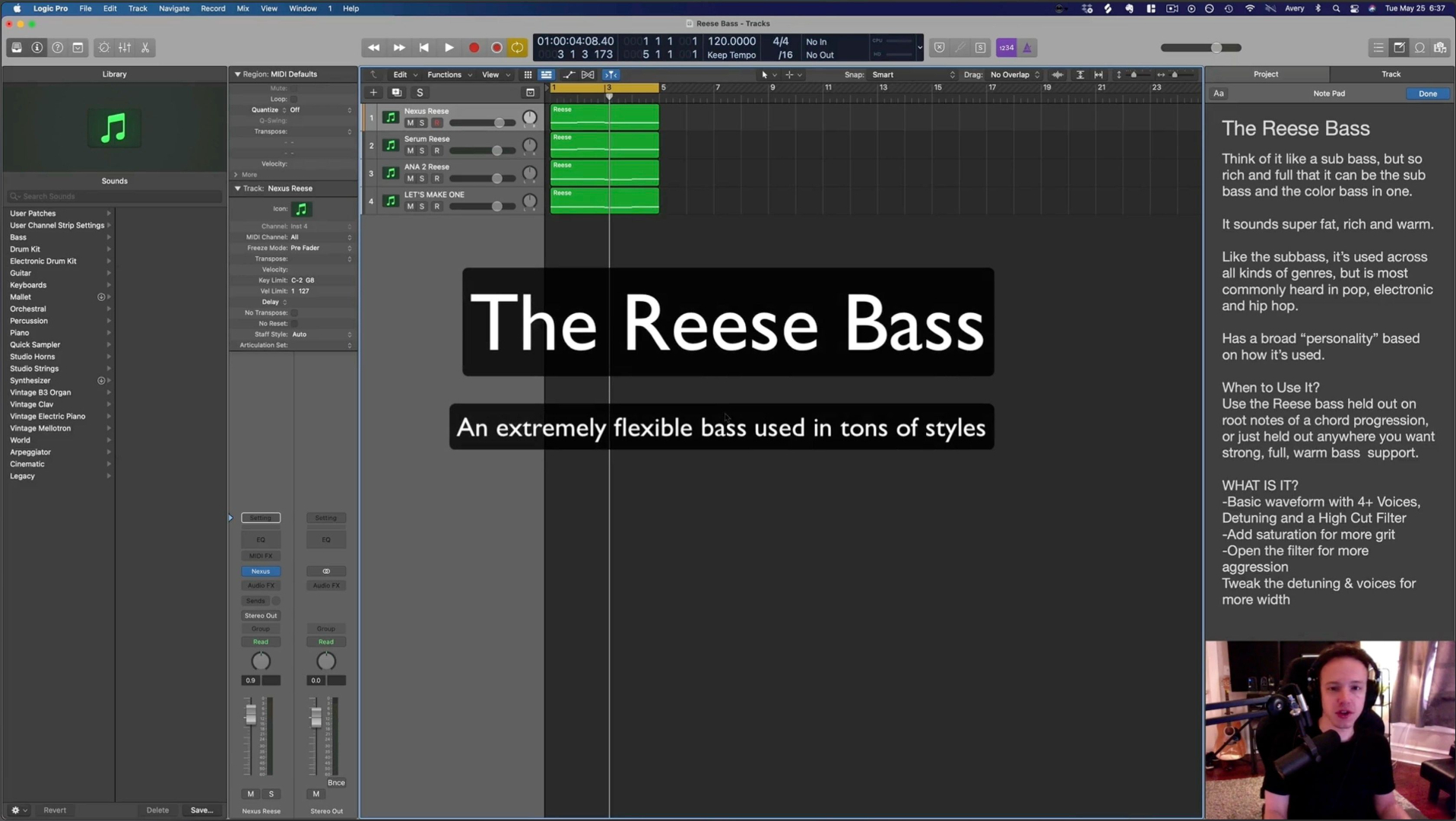
Fundamentals + Creative Workflows
Learn to recognize & make common sounds. Then write tracks with them.
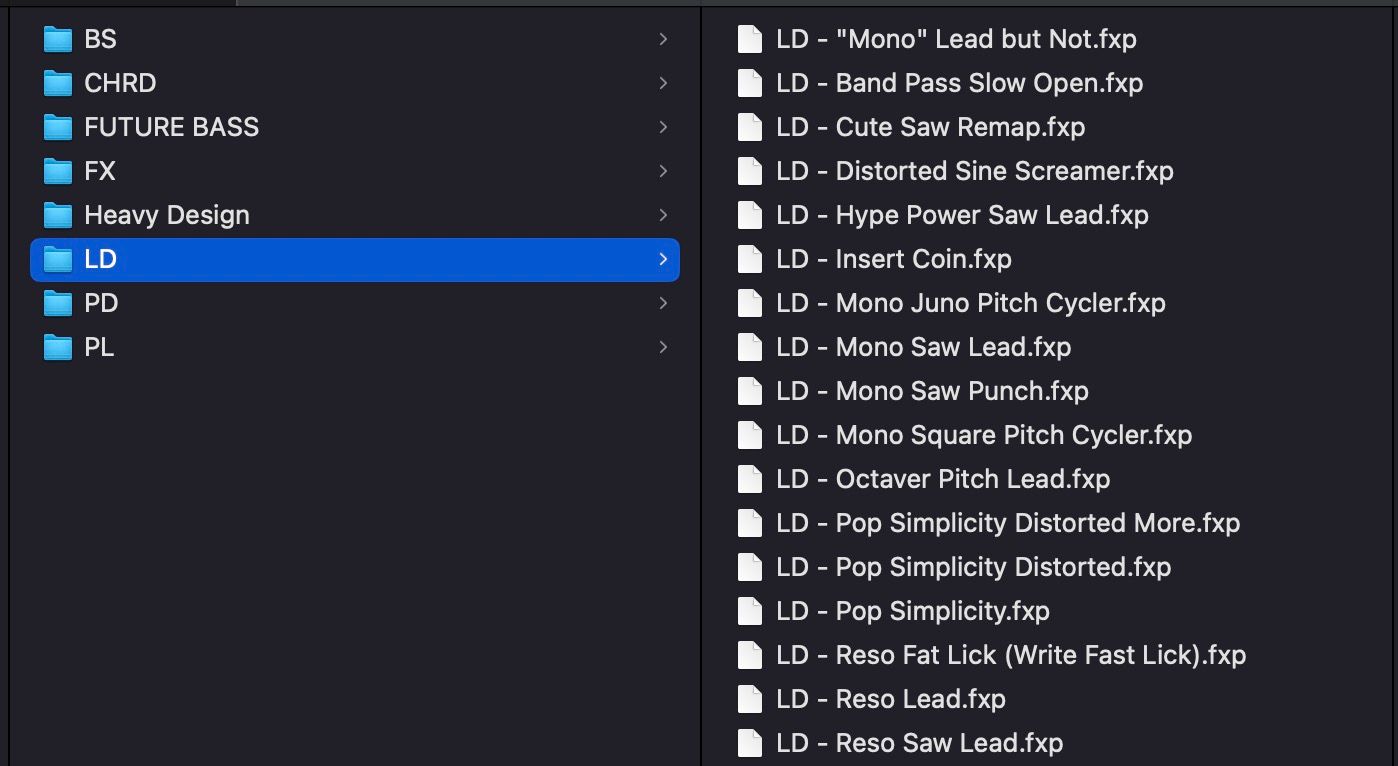
100+ Serum Presets Pack
Get all the sounds from the course - plus extras.
Compatible with both Serum 1 and Serum 2.

Answers To Your Questions
Have a question? Send me a message - happy to help if I can.
Note:
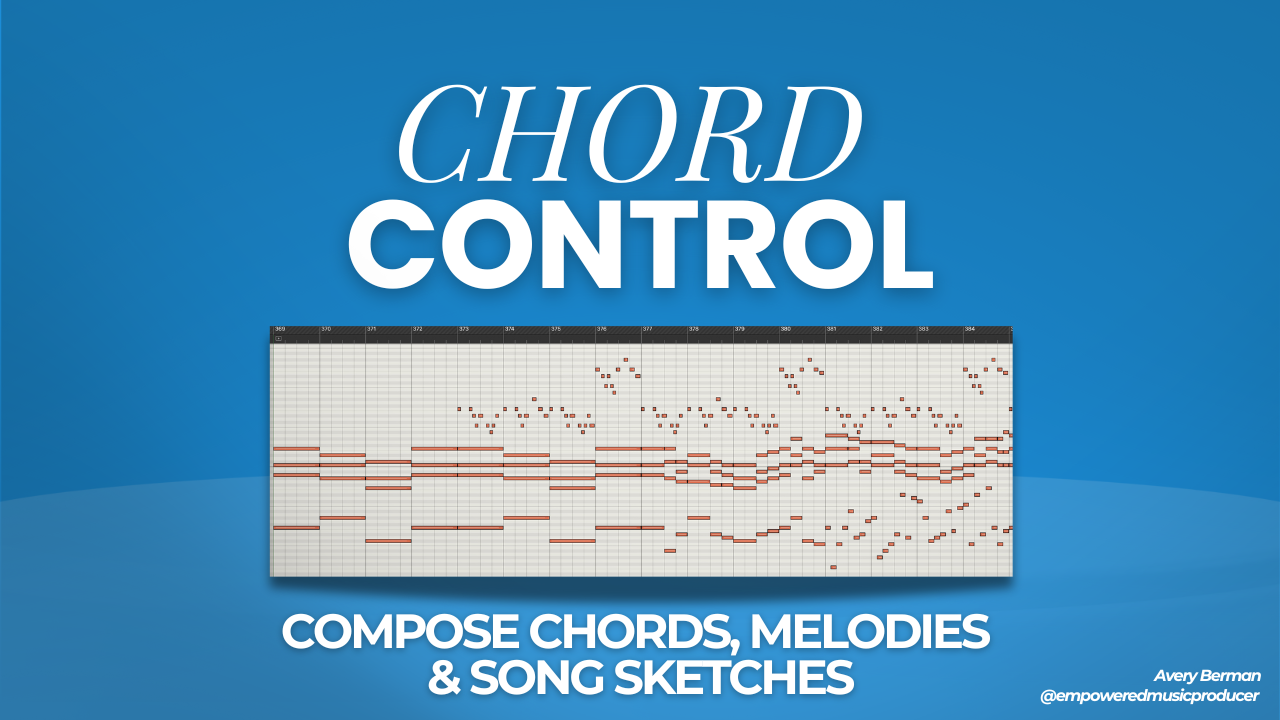
This course is best for producers who can get around their DAW and know at least the basics of music theory. Not confident in your chord & melody writing? Start with Chord Control - it will provide foundations to write music from scratch.
I made this course because for a long time I was stuck trying to make electronic inspired music - and these frameworks gave me the foundation I was missing.
Electronic music is tough because it's not only about the notes - but about the sounds.
And I was so tired of feeling like I would spend days browsing presets, but still not really knowing what I was doing.
It felt like I was just making music by chance, hoping to stumble into a sound that worked.
One day I finally realized that what I was missing was an understanding of the fundamental sounds and songwriting techniques to compose tracks with them.
So I studied hundreds of electronic songs, and realized something that should have been obvious:
Even though every track sounded different, I was hearing the same kinds of sounds over and over almost every time.
For example: Reese basses, supersaw chords, lead plucks, risers...
I realized that when I focused on writing with these core sounds - even if they were basic - my ideas sounded way better, and it was way easier and faster to make tracks that felt they fit the electronic world.
It also helped me understand the tutorials I'd watch much better, because now I'd be able to quickly see "Oh, that's just another variation on the reese bass." Or "Oh, that's just a tweak on the supersaw."
Plus, now that I understood these sounds, I began to use them all over my productions across genres. For example, supersaws and reese basses also work perfectly for hybrid orchestral, pop and hip hop production.
This is why if you don't know how to make these fundamental sounds or how to write with them, you will probably be stuck for a long time like I was.
So that's why I made this course.
To teach you the fundamentals of electronic production & sound design - so you can make tracks easier & faster from scratch.
Note that this course is not about the latest bass design trends. Please don't take it if you're a bass producer looking for cutting edge tips.
Instead, this is focused on the foundations for writing and producing any kind of chord / melody based music that uses electronic sounds.
The same ideas that have been used from the 80s to today - and will keep being used for years to come.
If you want to feel more in control of your electronic music production - starting from scratch - this course was made for you.
If you have any questions just send me a message.
Go inside these projects
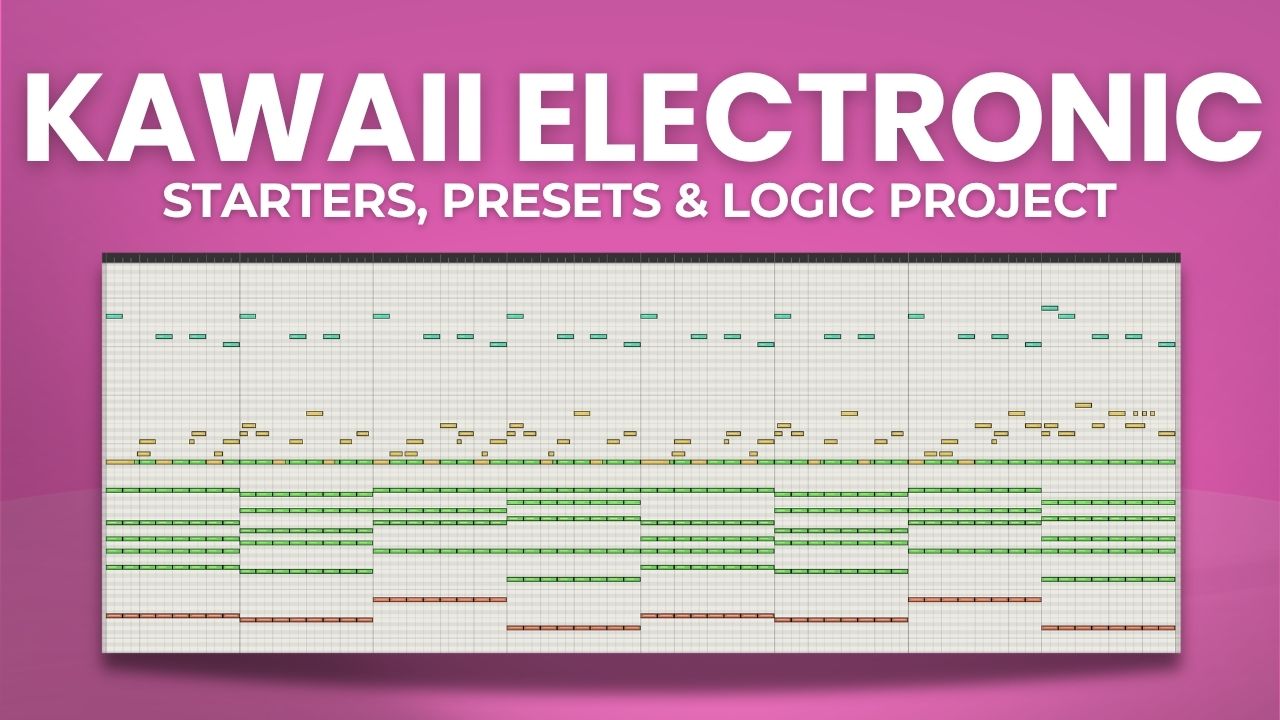
Here's some of the projects I'll walk you through in the "Project Breakdowns" section of the course.
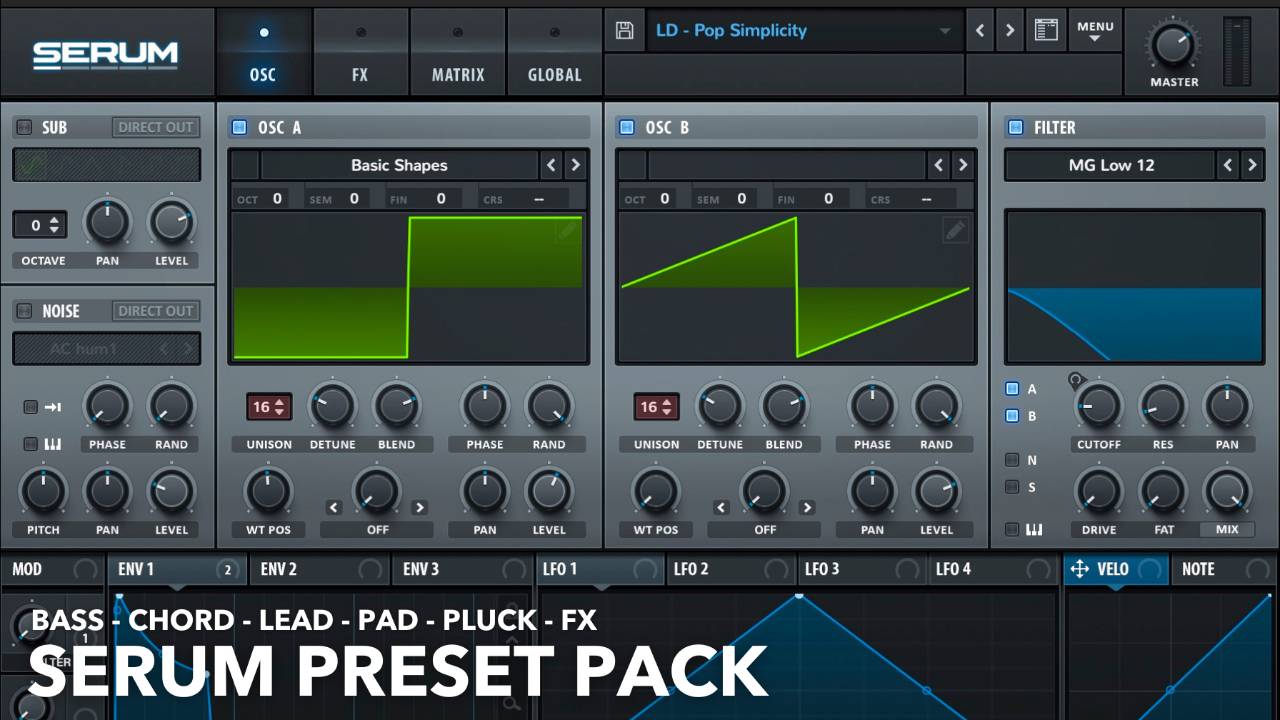
Includes 100+ Serum presets
This pack of 100+ presets contain all the sounds from the course - and more from my personal collection.
Compatible with Serum 1 and Serum 2.
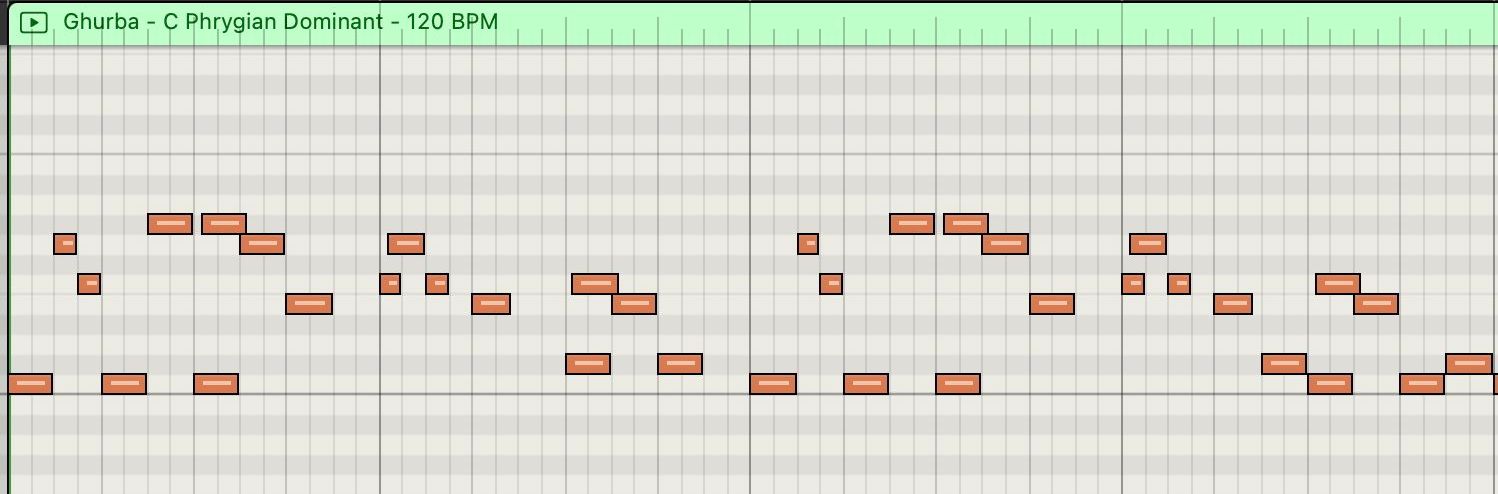
Bonus: MIDI & Sample pack
Included is a MIDI & Sample pack with melodic EDM drop concepts.
Full course outline
-
Synth Sketching Quick Start
2 lessons- Quick Start Guide: Sketching with Synths
- Supersaw (The Mother Sound)
-
Intro to Sound Design & Serum
11 lessons- Download the Serum Pack
- Big Picture Overview of Sound Design & Serum
- The Oscillators & Wavetables
- The Filter
- Envelopes, LFOs & Modulation Basics
- The Macros
- The Velocity & Note Modulators
- The Voicing Parameters
- Pitch Bend
- The "Mod" Modulator
- Overview of of the FX
-
Essential Chord Sound Design
6 lessons- Chord Wobblers
- Chord Pluckers
- Supersaw Stabs
- Slow Closer
- Pads
- 3 Steps to Big EDM Chord Melodies
-
Essential Bass Sound Design
9 lessons- Sub Bass
- Reese Bass
- 808 Bass
- House Bass [Deep House, Tech House, Tropical House, Pop House, etc]
- Electro House / Slap House Bass
- Organ / "+7" House Bass [Iconic House Sounds]
- Plucker Bass
- Midtempo / Cyberpunk Bass
- Aggressive Sound Design Bass
-
Essential Lead Sound Design
7 lessons- Pluck Lead
- Supersaw Lead
- Arp Plucks
- Reso Lead
- Sync Lead
- Sandstorm Lead
- Pitch Cycler Lead
-
Essential FX Sound Design
2 lessons- Tonal Riser
- Noise Riser
-
Study Techniques from These Projects
12 lessons- Electro Pop Arranagement
- Sketch to Production Sound Design Workflow
- Epic Melodic EDM Drops Tutorial PLUS MIDI & SAMPLE pack
- Take It Breakdown [Electro Pop]
- All Around Us Breakdown [Future Bass / Electro Pop]
- Dreaming Breakdown [Electro Pop]
- Universe Breakdown [Electro Pop]
- Tornado Breakdown [EDM]
- Electro Rock
- Dreaming Breakdown [Vocal Electro Pop]
- Nudisco
- Sketch to Production Melodic EDM Drop
-
Start to Finish Production Workflow
26 lessons- Introduction to "Start to Finish" Song
- 1. How to Analyze a Reference Track
- 2. Song Recomposition
- 3. Preparing Your Project
- 4. Writing Our Verse
- 5. Writing our Prechorus Buildup
- 6. Writing the Drop Chords
- 7. Writing our Drop Melody
- 8. Refining the Drop Melody
- 9. Adding Sidechain Compression to Drop
- 10. Writing our 2nd Verse
- 11. Writing the 2nd Prechorus Buildup Drop
- 13. Full Sketch Listen Through Small Adjustment
- 14. The 6 Mixing Tools
- 15. Mixing the Arpeggios
- 16. Mixing the Verse Chords
- 17. Mixing the Verse Bass Adjusting Everything Together
- 18. Mixing the Verse Drums FX
- 19. Checking the Output Level before Mixing Farther
- 20. Mixing the Drop Part 1
- 21. Mixing the Drop Melody
- 22. Mixing the 2nd Verse
- 23. Prechorus Build Drop Mix Check
- 24. Checking the Final Mix
- 25. Mastering Part 1
- 26. Mastering Part 2
MELODIC ELECTRONIC:
Fundamentals for Electronic Pop & EDM Production
Feel More Confident In Your Synths & Electronic Songwriting - Or Your Money Back
- 76 structured lessons
- 100+ Serum presets
- Direct message for questions
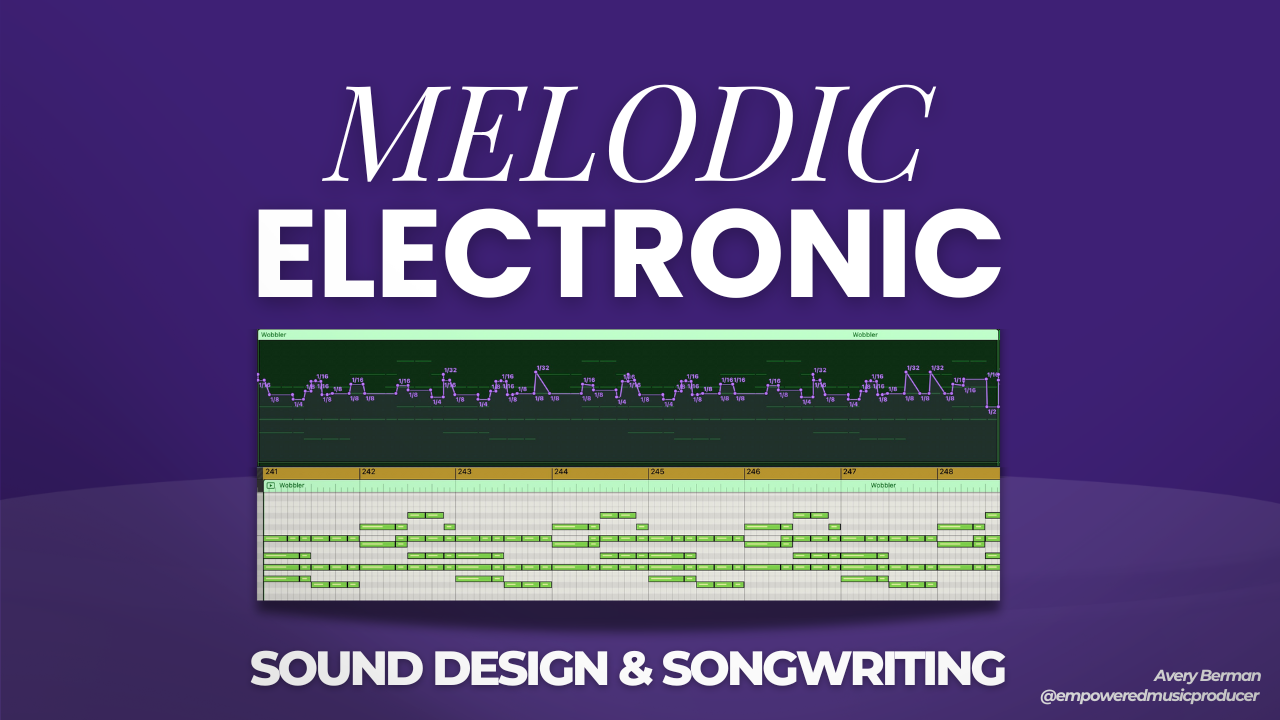
Want the complete skillset? "Sketch to Production" includes this course + all my others in one optimized experience.
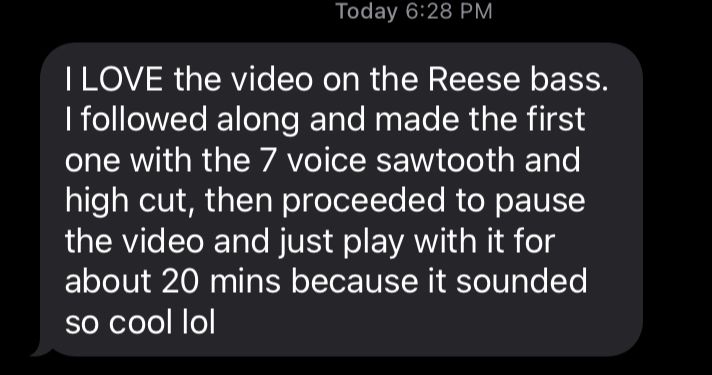
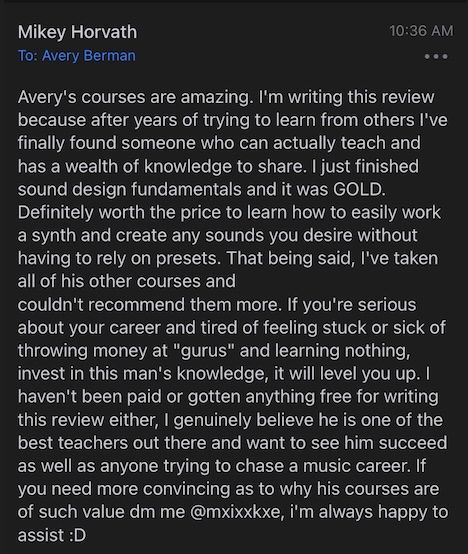
What students are saying
Frequently asked questions
Got another question? Send an email: [email protected]
What software do I need for this course?
What skill level is required?
What results can I expect?
What if I realize it's not for me?
You may also like